⚠️ This platform contains adult content. For readers 18 years and older.
Secrets AI Video Generator: How It Works, Quality, and Cost
Video generation is the feature that most clearly separates Secrets AI from competitors — Character.AI, CrushOn AI, and Janitor AI do not offer it. Candy AI has limited video. Secrets AI has built a functioning image-to-video pipeline directly into its AI companion platform, rated 4.1/5 by independent reviewers for output quality.
The cost structure requires careful attention. A full-length video clip runs 600 Moments — equivalent to 12–24 images or 6 minutes of voice calls from the same budget. This guide covers the full picture: how it works, what quality to expect, exact budget implications by tier, and whether it justifies the Moments cost.
Video Generator Benchmark
- Quality rating: 4.1/5 (aigirlfriendscout)
- Generation time: approximately 2 minutes per clip
- Cost range: 50 Moments (3-second clip) to 600 Moments (full-length)
- Availability: Lite tier and above (not on free)
- Competitive position: One of very few AI companion platforms offering this
- Best tier for heavy video use: Ultimate ($39.99/mo, 15,000 Moments)
What Is the Secrets AI Video Generator?

The video generator is a feature that converts existing AI companion images into short animated video clips using a text prompt describing desired movement or action. It is not a real-time interactive video feed — it is an asynchronous generation pipeline that produces a saved video file from a static image input.
This capability is genuinely rare in the AI companion market. Most platforms in this category focus on text chat and static image generation. The ability to produce motion video from companion imagery — even short clips — represents a different category of output. Secrets AI is one of very few platforms that have built this into a consumer companion product rather than requiring users to export images to separate video generation tools.
Video generation is available on Lite tier and above. Free accounts cannot access this feature regardless of Moments balance — the feature itself is gated by subscription tier, not only by currency.
The broader artificial intelligence ecosystem does include dedicated video generation tools (AI art and video generation using deep learning models), but these are standalone services requiring separate accounts, separate payments, and manual workflow between chat and video generation. Secrets AI's integration keeps this within the companion interaction loop.
How Video Generation Works
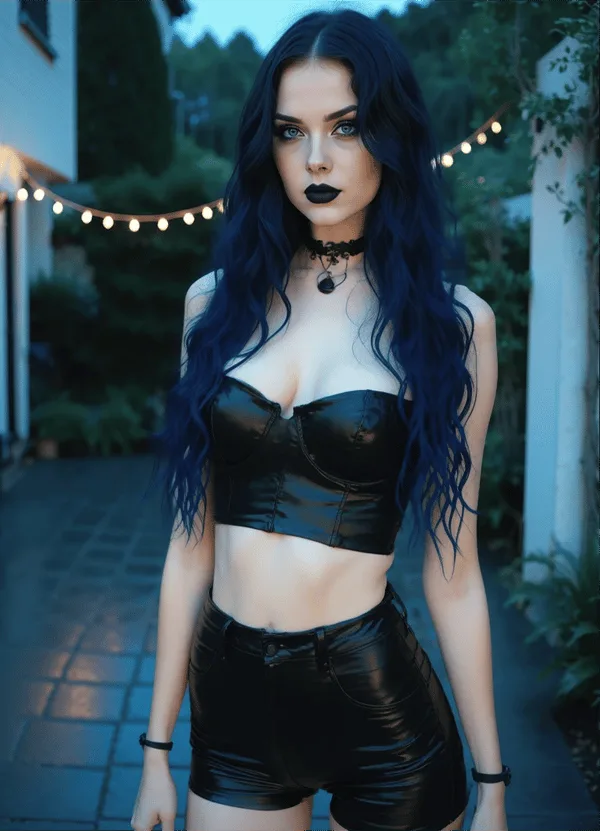
The process follows four steps:
Step 1 — Prepare a source image. Select an existing image of your companion from the conversation history, or generate a new image specifically as the video base. Higher-quality source images generally produce better video output — clear character detail, good lighting, and a single primary subject in the frame work better than complex group scenes.
Step 2 — Write a prompt. Describe the desired movement or action in the text prompt field. Effective prompts are specific but not overly complex: "smiling and turning head slowly" or "walking toward camera" produce more reliable results than multi-action compound prompts. The AI interprets the prompt in the context of the source image character.
Step 3 — Wait approximately 2 minutes. The generation pipeline processes asynchronously — the request is queued and processed. Generation time is approximately 2 minutes for standard clips, though peak server load may extend this. A status indicator shows when processing is complete.
Step 4 — View and save. The completed video clip appears in the conversation interface and can be saved to your device.
Short clips on the Lite tier are capped at 3 seconds. Higher tiers unlock longer generation. The video reflects the scenario context and character appearance established in the conversation.
Video Quality Assessment
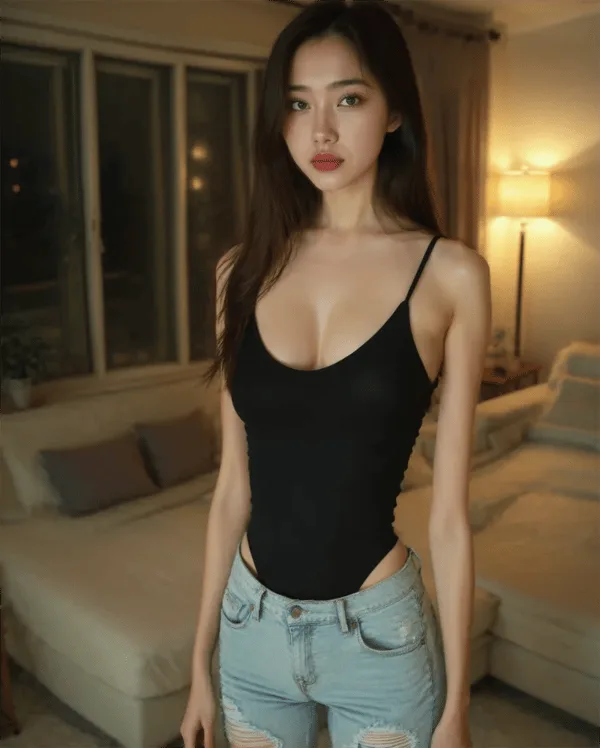
Independent reviewers assign video quality a rating of 4.1/5 — the fourth-highest individual metric in Secrets AI's overall assessment, behind chat (4.4), voice (4.3), and NSFW experience (4.3).
Specific quality observations from reviewer assessments:
- Character movement is generally smooth and natural in most outputs
- Facial expressions reflect the action described in the prompt
- "Look good and move smoothly most of the time" — the qualifier "most of the time" reflects quality variation depending on prompt complexity
- Output quality improves when using the Premium generation model (available on Premium and Ultimate tiers)
- Occasional quality drops on complex prompts or prompts that require significant departure from the source image
The 4.1/5 is a meaningful score for AI-generated video in a consumer product context. This is not cinematic quality — it is companion-scale video that produces recognizable motion of a realistic AI character. For the use case (visual companion interaction), it serves the intended purpose.
How Much Do Videos Cost in Moments?
Short 3-second clip: approximately 50 Moments
Standard/full-length clip: approximately 600 Moments per video
The cost difference between clip lengths is significant: a 3-second clip on Lite costs the same as 1–2 images. A full-length clip costs as much as 12–24 images or 6 minutes of voice calls. Budget planning around video use requires treating it as the premium-cost item it is.
Monthly video output by subscription tier:
| Tier | Moments/month | Short clips (50M) | Full clips (600M) |
|---|---|---|---|
| Lite | 1,000 | ~20 | ~1–2 |
| Plus | 3,000 | ~60 | ~5 |
| Premium | 8,000 | ~160 | ~13 |
| Ultimate | 15,000 | ~300 | ~25 |
These figures assume all Moments are spent on video — actual usage will mix video with images and text, reducing these maximums. The practical implication: heavy video users should seriously evaluate Ultimate ($39.99/month, 15,000 Moments + 15% top-up bonus). A user generating 10 full videos per month (6,000 Moments) plus regular images and text interaction will hit the Plus tier ceiling consistently.
Moments top-up bundles start at 1,980 Moments for $5.99, giving a supplemental option without tier upgrade. Premium and Ultimate subscribers receive a 10–15% discount on top-up purchases.
Video vs Images vs Voice — Cost Comparison
| Feature | Moments Cost | Output |
|---|---|---|
| Text message | 1–2 | Text response |
| Image | 25–50 | Single static image |
| Short video (3s) | ~50 | Brief motion clip |
| Full-length video | ~600 | Longer motion clip |
| Voice call | 100/minute | Real-time audio |
The same 600 Moments budget produces:
- 1 full-length video
- OR 12–24 images
- OR 6 minutes of voice calls
- OR 300–600 text messages
This comparison clarifies why video is best treated as a deliberate, occasional feature rather than a default part of every session. For users who primarily value the companion chat experience, text and images provide significantly more interaction volume per Moment spent. For users where visual motion content is a key part of the appeal, budgeting Moments around video first is the right approach.
Tips for Better Video Results
From user and reviewer experience:
- Use high-quality source images. A well-generated companion portrait with clear facial detail produces significantly better video than a complex scene image. Run a fresh image generation with the Premium model if your existing library images don't meet this standard.
- Keep prompts specific but simple. Single-action prompts ("tilting head and smiling") outperform compound prompts ("dancing while smiling and looking at camera while moving hair"). The model handles one primary action more reliably than multiple simultaneous ones.
- Test with short clips first. At ~50 Moments for a 3-second clip vs 600 Moments for a full clip, generating a short test version of a prompt before committing to the full video is a sensible Moments management strategy. If the short clip quality is poor, revise the prompt before spending on the longer version.
- Use the Premium generation model. Available on Premium and Ultimate tiers, this produces noticeably better video quality compared to the standard model. If you have access to it, use it for video generation specifically.
- Save your best images deliberately. Not all automatically generated character images are equal. Create a small set of high-quality base images specifically intended for video generation rather than using whichever image happens to be recent.
Who Should Use the Video Generator?
Worth it for these users:
- Users who value visual companion content alongside chat and want more than static images
- Users on Premium or Ultimate tiers with sufficient Moments to use video without depleting other features
- Users who find the combination of visual motion and companion interaction significantly more engaging than static output
- Users creating and saving companion content for ongoing personal enjoyment
Not worth prioritizing for:
- Users on tight Moments budgets where each video represents a significant allocation trade-off
- Users who primarily value the conversational and relationship simulation aspects over visual media
- Free-tier users (video is unavailable regardless)
- Users on Lite who want to preserve Moments for images and voice calls
Best tier recommendation: Ultimate ($39.99/month) for heavy video use, Premium ($19.99/month) for moderate video use (5–13 full videos per month alongside other media). For the detailed comparison of tier value including video, see the full pricing guide.
Competitors with Video Generation
This is where Secrets AI's competitive position is clearest. Across the major AI companion platforms:
| Platform | Video Generation |
|---|---|
| Secrets AI | Yes — full image-to-video pipeline |
| Candy AI | Limited video |
| CrushOn AI | No |
| Character.AI | No |
| Janitor AI | No |
| Replika | No |
| GirlfriendGPT | No |
Character.AI (KG: /g/11sck8d802) is the most established platform in the AI companion category by brand recognition, but offers no video generation. CrushOn AI, despite a large character library and zero-filter content policy, has no video capability. Janitor AI, which uses deep learning models through user-provided API keys, produces high-quality conversation but no media generation.
Outside the direct AI companion category, dedicated AI art and video generation platforms (using deep learning architectures like Stable Diffusion KG: /g/11tcd8vgn9) exist, but they require separate accounts, separate workflows, and produce generic video rather than companion-specific motion content.
For users where video generation is a meaningful factor in their platform choice, Secrets AI is the most accessible integrated option. The complete platform review covers this competitive position in the broader feature and pricing context.
FAQ
Short clips on the Lite tier are approximately 3 seconds. Higher tiers (Plus, Premium, Ultimate) unlock longer clip generation, with full-length clips costing approximately 600 Moments. The platform does not publish a specific maximum clip duration in public documentation, but reviewer testing confirms that full-length clips at the higher Moments cost provide meaningfully longer motion output than the 3-second short clips.
No. Video generation is gated by subscription tier, not only by Moments balance. Free accounts cannot access video generation regardless of how many Moments they have. The minimum subscription for video access is the Lite plan at $5.99/month. On Lite, only short 3-second clips are available; full-length video generation requires Plus or higher.
This depends on your subscription tier and clip length. On Ultimate (15,000 Moments/month): approximately 25 full-length videos (at 600 Moments each) or 300 short 3-second clips (at 50 Moments each) if all Moments are allocated to video. In practice, most users mix video with images and text, so actual video output is lower. Premium (8,000 Moments) supports approximately 13 full-length videos per month. Additional Moments can be purchased in bulk starting at 1,980 for $5.99, with up to 30.4% discount on larger bundles.
The quality rating of 4.1/5 reflects generally realistic output — character movement and facial expressions are smooth and natural in most generations. The system produces AI-generated video that is recognizably realistic within the context of companion media, not cinematic-grade production. Output quality varies with prompt complexity and source image quality, and improves when using the Premium generation model available on Premium and Ultimate tiers. The consensus from reviewer testing is that videos "look good and move smoothly most of the time."